
Two versions at once
Turn on Dual and choose two versions, for example the BSB and the WEB, so the church can read both.
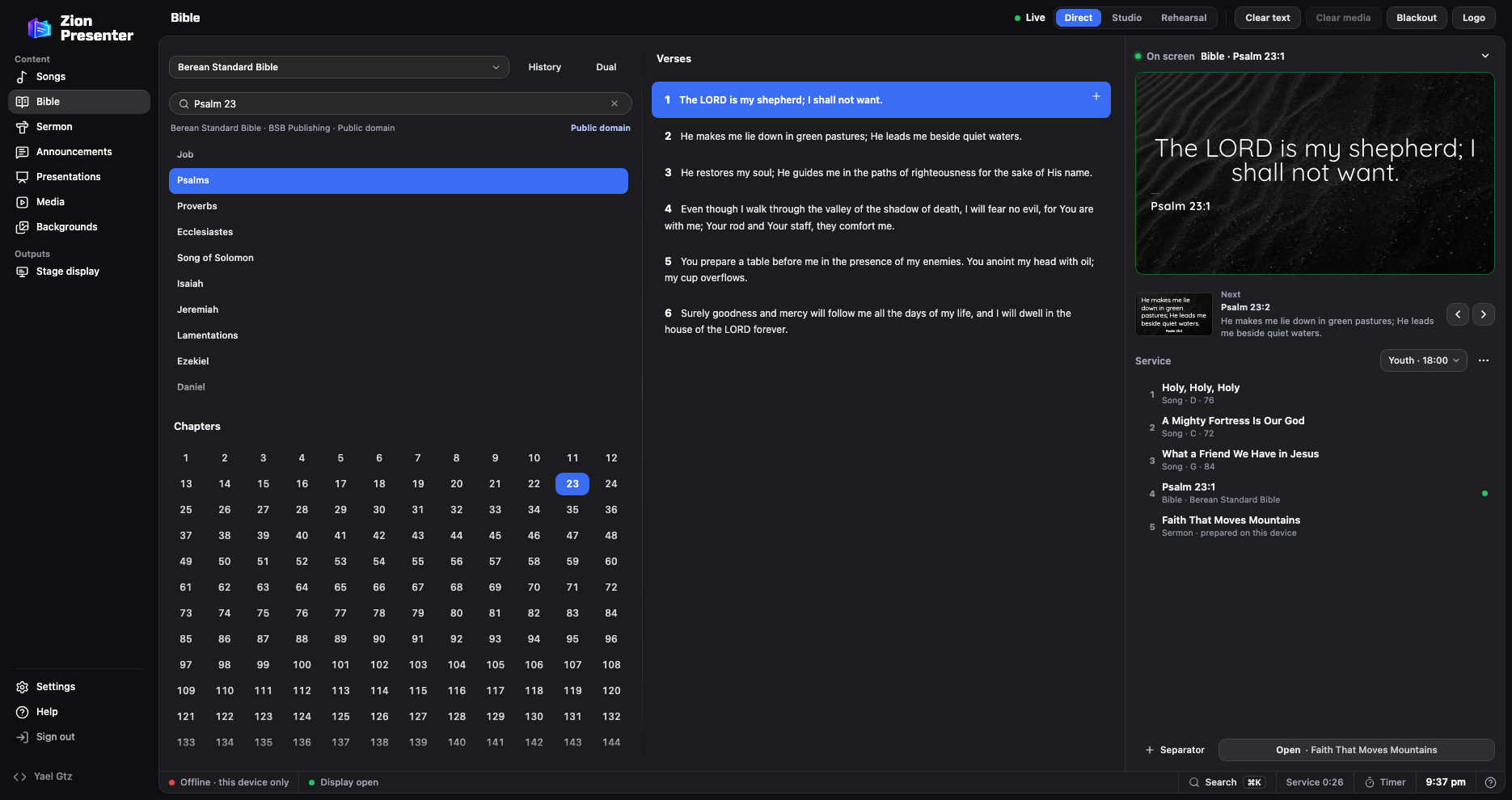
With Zion Presenter you type the reference the preacher gives, choose the version and the verse appears on the screen in your church’s design. It’s free and comes with 16 Bibles in English and Spanish.
In the panel, go to Bible and choose the version, such as the Berean Standard Bible or the World English Bible.
For example “Jn 3:16” or “Matthew 5.9”, or search for words in the text. You can also pick the book, chapter and verse.
Click the verse. The arrow keys, or Page Down and Page Up, move to the next or previous one.
“Add to service plan” puts it in the service plan, and History takes you back to the passages you’ve already used.
They’re built in and, in the Windows or Mac app, work without internet. Each version’s copyright shows under the search box and in Credits.
Use a different one? Add it from a file, or connect more versions with your church’s free API.Bible key.
Turn on Dual and choose two versions, for example the BSB and the WEB, so the church can read both.
On the stage display, the pulpit sees the verse on screen and the next one.
With the phone remote you move through the verses away from the computer.
Pick a template for the verse or design it with the font and background you want.
In OBS, the verses appear over the camera with a transparent background. See how.
Projector, TV or LED wall: choose its size in Displays and the text fits itself.
Not with the Windows or Mac app: the built-in Bibles live on the computer. API.Bible versions need internet the first time you open each chapter.
Yes. With Dual you choose two versions, for example the BSB and the WEB, and they appear together.
Yes. In the app you choose the monitor where the church display opens; from the browser you open the display link on that screen, in full screen.
No. Zion Presenter is free, with no ads or subscription, and so are its built-in Bibles.